platformer test
2D Platformer Test - Adding Game Mechanics with Visual Scripting
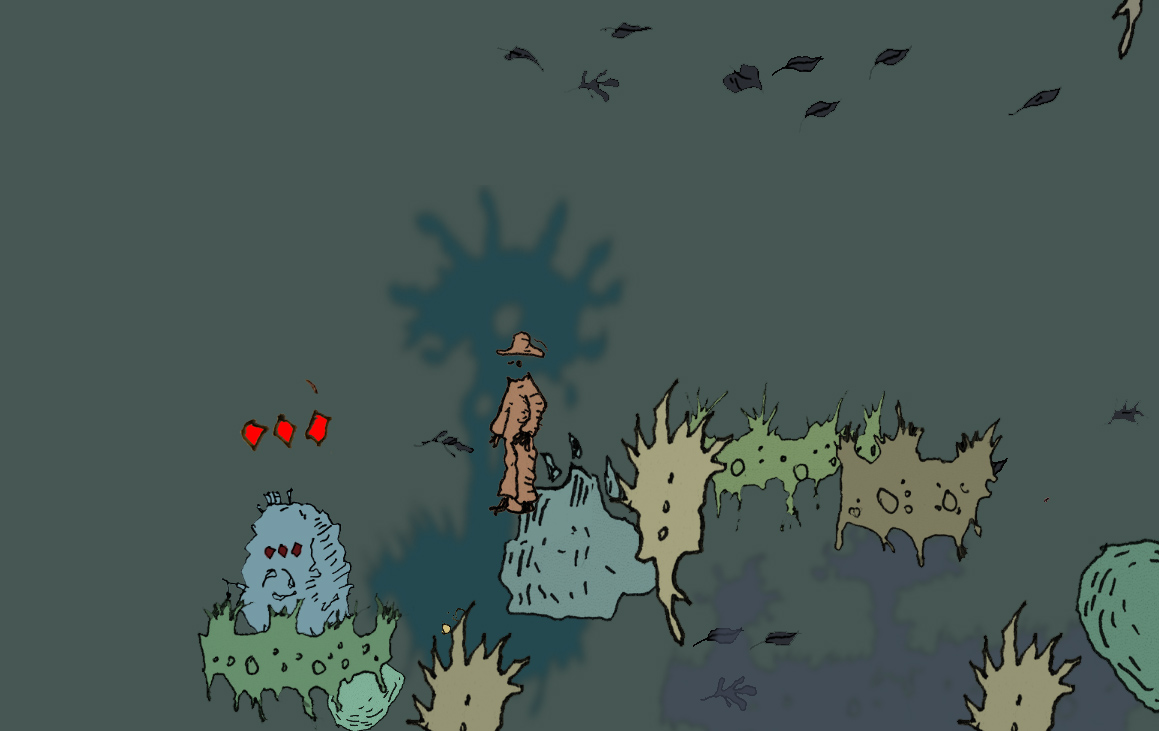
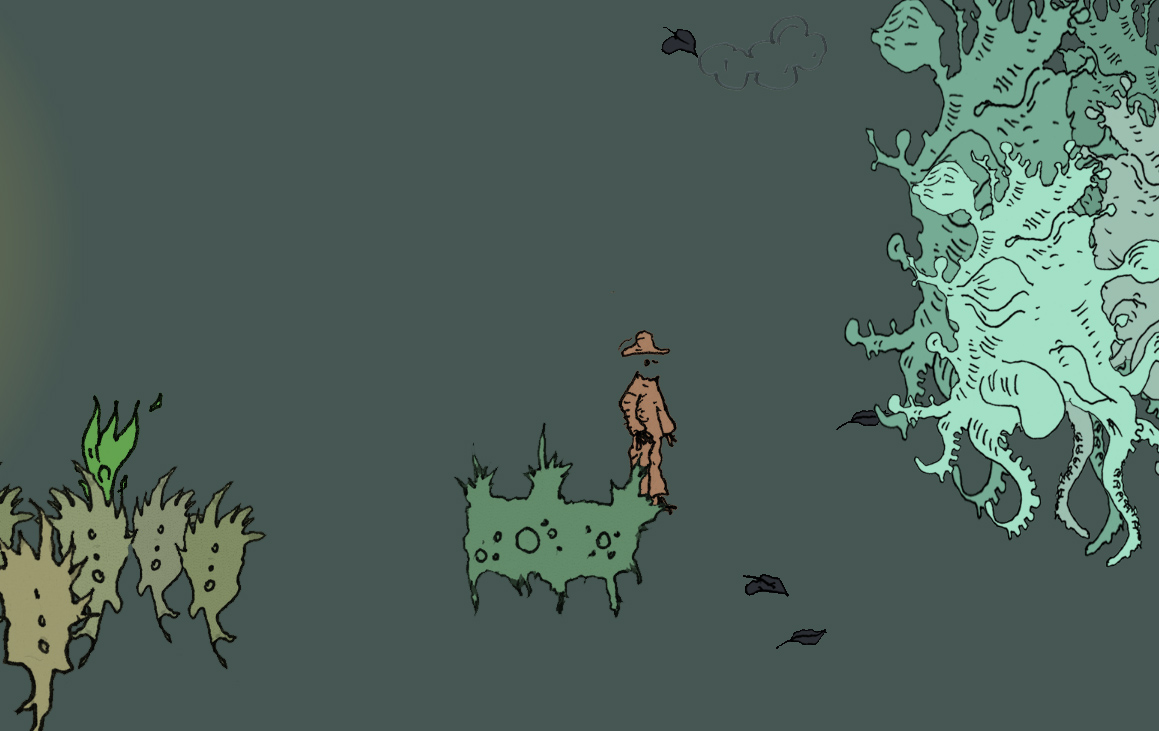
A Unity 2D project demonstrating how to add common platformer "Platformer Microgame" mechanics to an existing character controller using Unity's visual scripting system (Script Machine).
What's Covered:
Character Setup - Setting up sprite sheets from individual animation frames, slicing sprites in Unity, and connecting them to the Animator Controller with multiple animation states (Idle, Run, Jump).
Core Mechanics:
- Kill Zones & Respawning - Creating invisible trigger zones that detect when the player falls off the level and respawn them at designated spawn points
- Scene Transitions - Using visual scripting nodes (
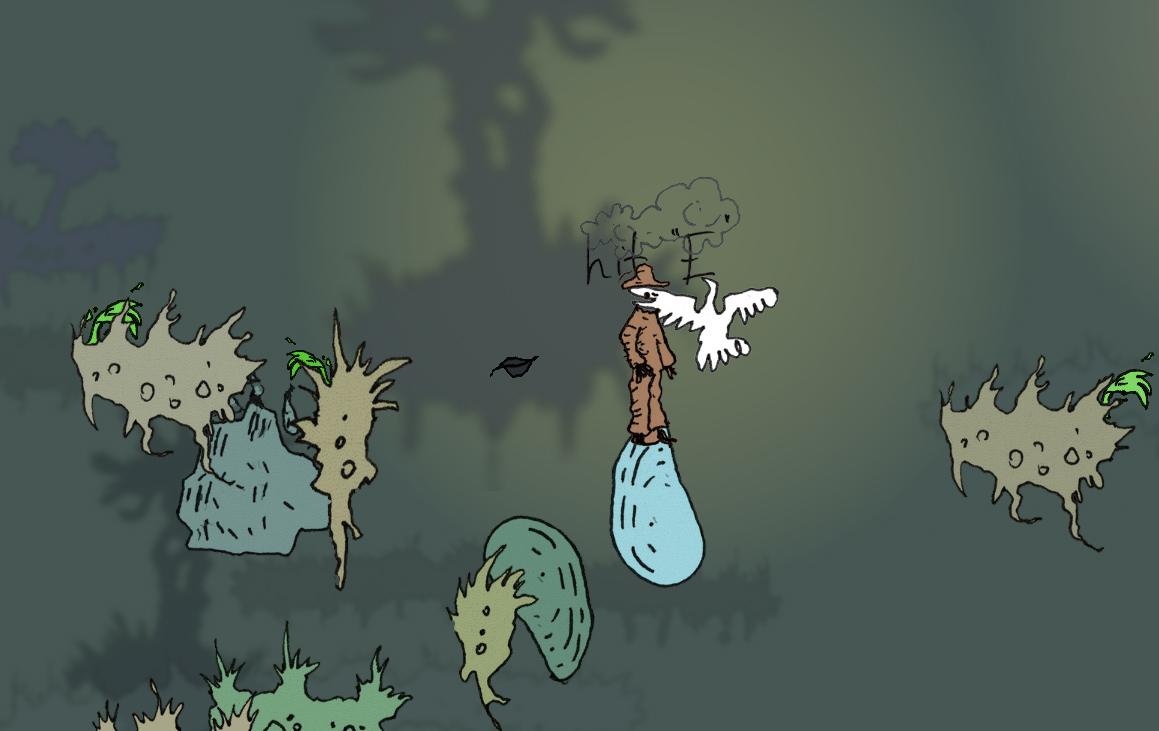
OnTriggerEnter2D,Compare Tag,SceneManager.LoadScene) to move between different levels when the player reaches certain areas - Interactive Objects - Objects that respond to player proximity (like a pigeon that appears/disappears when you enter trigger zones) and keyboard input (pressing E to activate stones)
- Visual Effects - Particle systems for environmental effects (falling leaves), ping-pong animation loops for floating objects
- State Tracking - Using variables to track how many objects have been activated and manage game state
[Video Tutorials in Lithuanian]
- Character setup, animations, kill zones, scene transitions (22 min)
- New mechanics: particle effects, interactive triggers, input handling (20 min)
Purpose:
This shows how to extend existing platformers with new mechanics using visual scripting nodes instead of writing code. The videos walk through the actual Unity interface—setting up triggers, connecting nodes, managing variables—so students can follow along and understand how these common game systems work.
Download
Leave a comment
Log in with itch.io to leave a comment.